
Refunds
The current Refund workflow applies to confirmed Stripe Online Payments. Manual Payment Refunds are not currently available.
Issue a full or partial Refund
Section titled “Issue a full or partial Refund”- Open Payers and select the Payer.
- Open Payments and select the original Online Payment.
- Review Original Payment, previous Refunds, and Available to Refund.
- Select Refund Payment.
- Enter the full or partial Refund amount and a clear reason.
- Confirm the Refund.
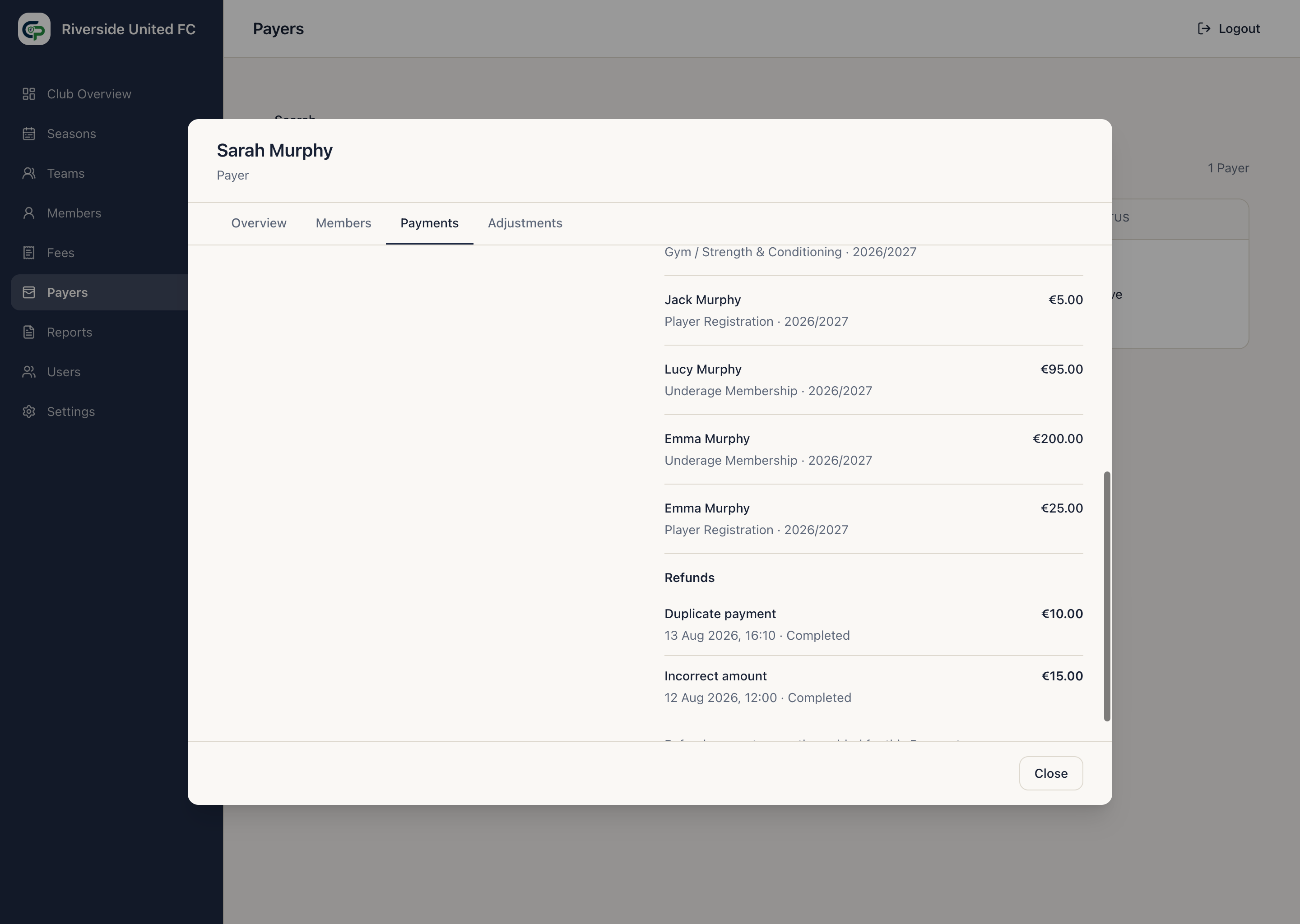
Stripe returns the money to the original payment method. The original Payment remains unchanged in history, and a separate Refund is recorded after Stripe confirms it.
How a Refund affects the balance
Section titled “How a Refund affects the balance”A Refund increases the amount outstanding by the gross amount returned. Stripe processing fees do not reduce this financial Refund amount.
A Refund is not Account Credit: money has left the Club and gone back to the Payer.
Multiple partial Refunds are allowed, but the total confirmed and currently pending amount cannot exceed the original Payment. Available to Refund shows what remains.
While provider confirmation is pending, the Refund may appear as confirming in Administrator Payment details. The Payer Portal shows confirmed Refunds only.