
Adjustments
Use an Adjustment when the amount owed needs an explained correction, discount, or additional charge. Choose the type according to where the change belongs.
Member Adjustment
Section titled “Member Adjustment”Use this when the change belongs to one Member and one existing obligation.
- Open the Member’s Financial History.
- Find the relevant Fee or charge.
- Select Add Adjustment.
- Choose Reduce Amount or Add Amount.
- Enter the amount and a specific reason.
- Select Add Adjustment.
Payer Adjustment
Section titled “Payer Adjustment”Use this when the change belongs to the Payer or family account rather than one Member.
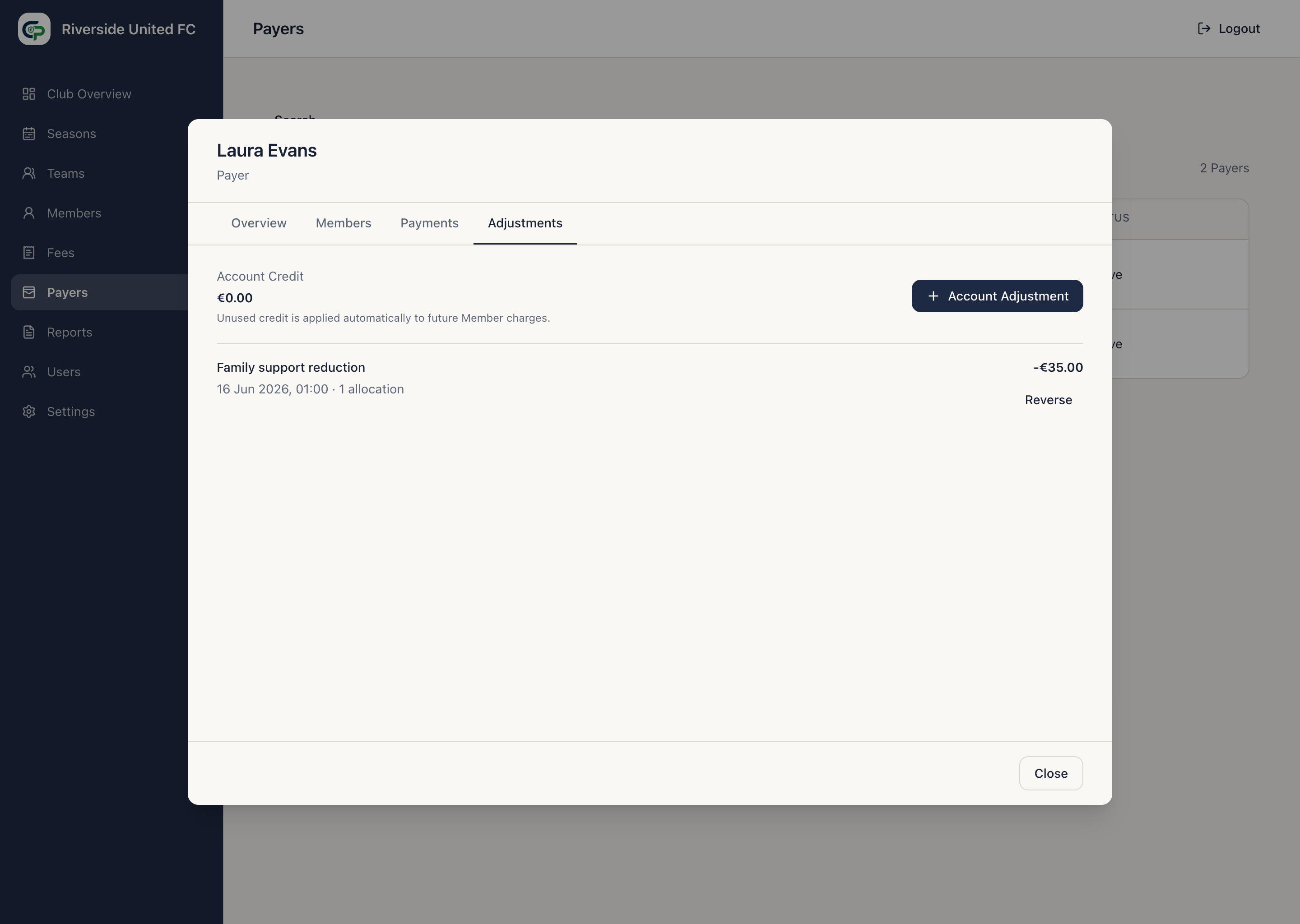
- Open the Payer and select Adjustments.
- Select Account Adjustment.
- Enter the amount and reason.
- Select Add Adjustment.
ClubPayee applies the value automatically across the Payer’s outstanding Member balances. Any unused value remains as Account Credit for future charges.
Payer Adjustments normally reduce an amount due. An increase is used only to correct or reverse an earlier account Adjustment; do not use it to create a new Member charge.
Reversals and history
Section titled “Reversals and history”Use Reverse Adjustment when an Adjustment itself was wrong. Enter a reason for the reversal. ClubPayee keeps both the original and correcting action visible so another Administrator can understand what happened later.