Fee Rules & Sibling Pricing
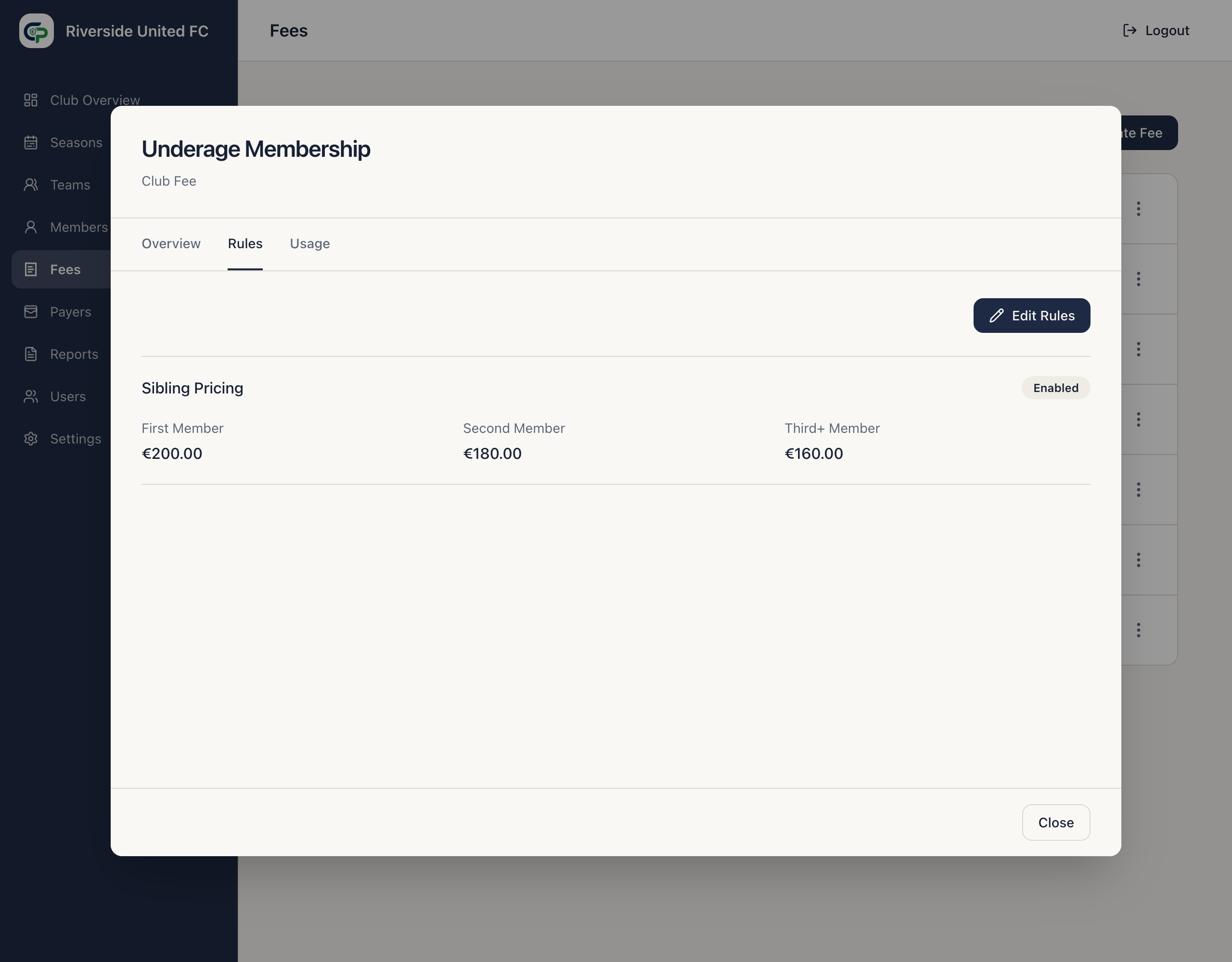
Fee Rules automate an agreed pricing policy. Rules belong to a Club Fee and are copied when that Fee is assigned to a Team. The current rule is Sibling Pricing.
Set up Sibling Pricing
Section titled “Set up Sibling Pricing”- Create or edit a Club Fee.
- Open the Rules tab.
- Select Sibling Pricing.
- Enter the First Member, Second Member, and Third+ Member amounts.
- Save the Fee.