
Initial Club Setup
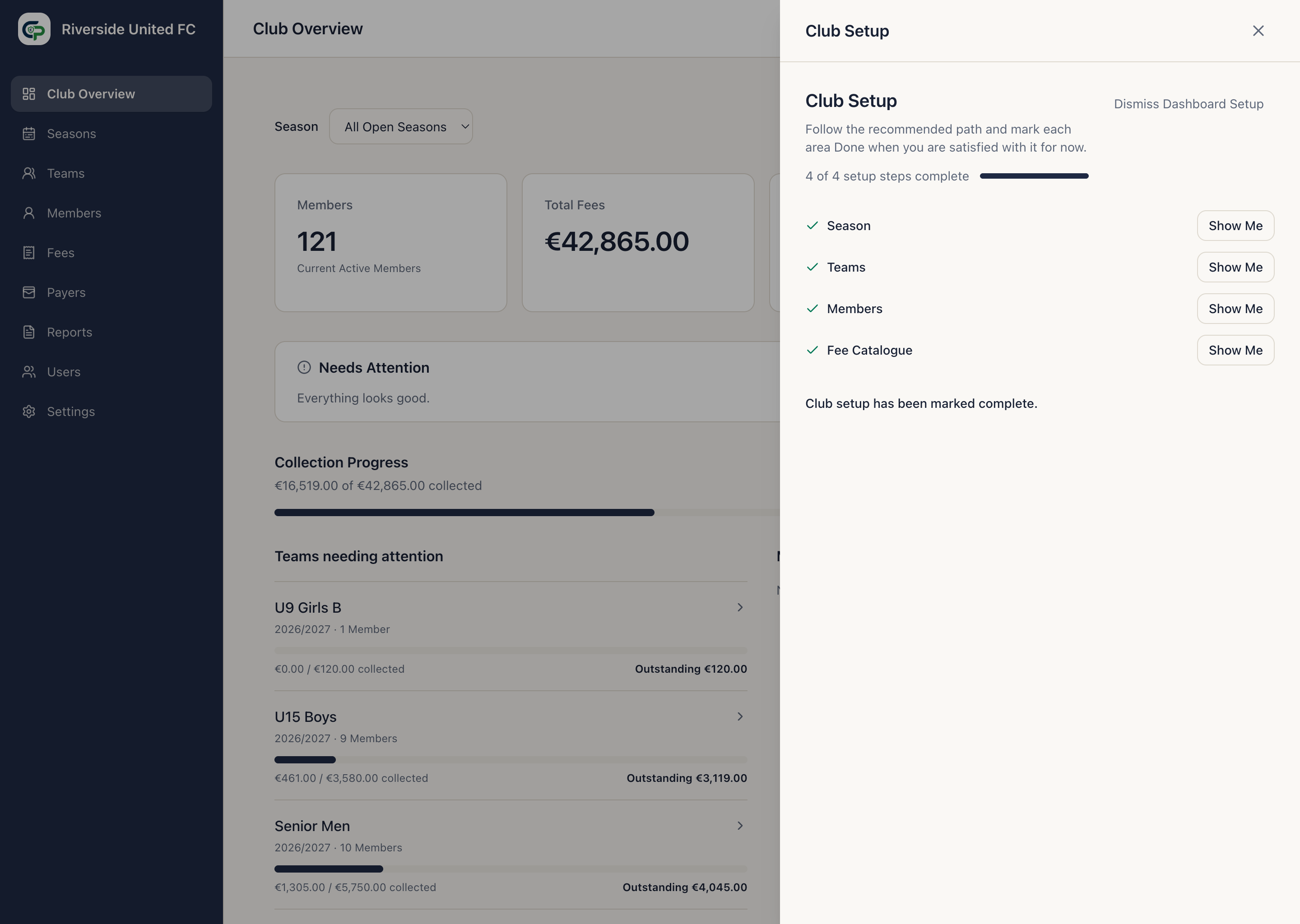
The Club Setup control on the Dashboard presents the recommended setup order.
Recommended order
Section titled “Recommended order”- Create a Season.
- Create the Season’s Teams.
- Add or import Members.
- Create the Club’s reusable Fee Catalogue.
- Add Members to Teams.
- Assign the relevant Fees to each Team.
- Check that each Underage Member has the correct Payer.
- Connect the Club’s Stripe account if the Club wants to accept Online Payments.
Select Done in Club Setup after completing each of its four displayed steps. ClubPayee does not mark a step complete merely because records exist.
You can dismiss the setup control and later restore it from Settings by selecting Show Club Setup on Dashboard. Completing a step does not create, edit, or delete Club records.
What happens next
Section titled “What happens next”- Create Seasons for the periods the Club manages.
- Create Teams inside those Seasons.
- Add Members and assign Underage Members to Payers.
- Create Fees and assign them to Teams.
- Review Understanding ClubPayee if you are unsure how those records relate.