
Teams
Every Team belongs to one Season. Open Teams and choose Open, Closed, or All to filter the list.
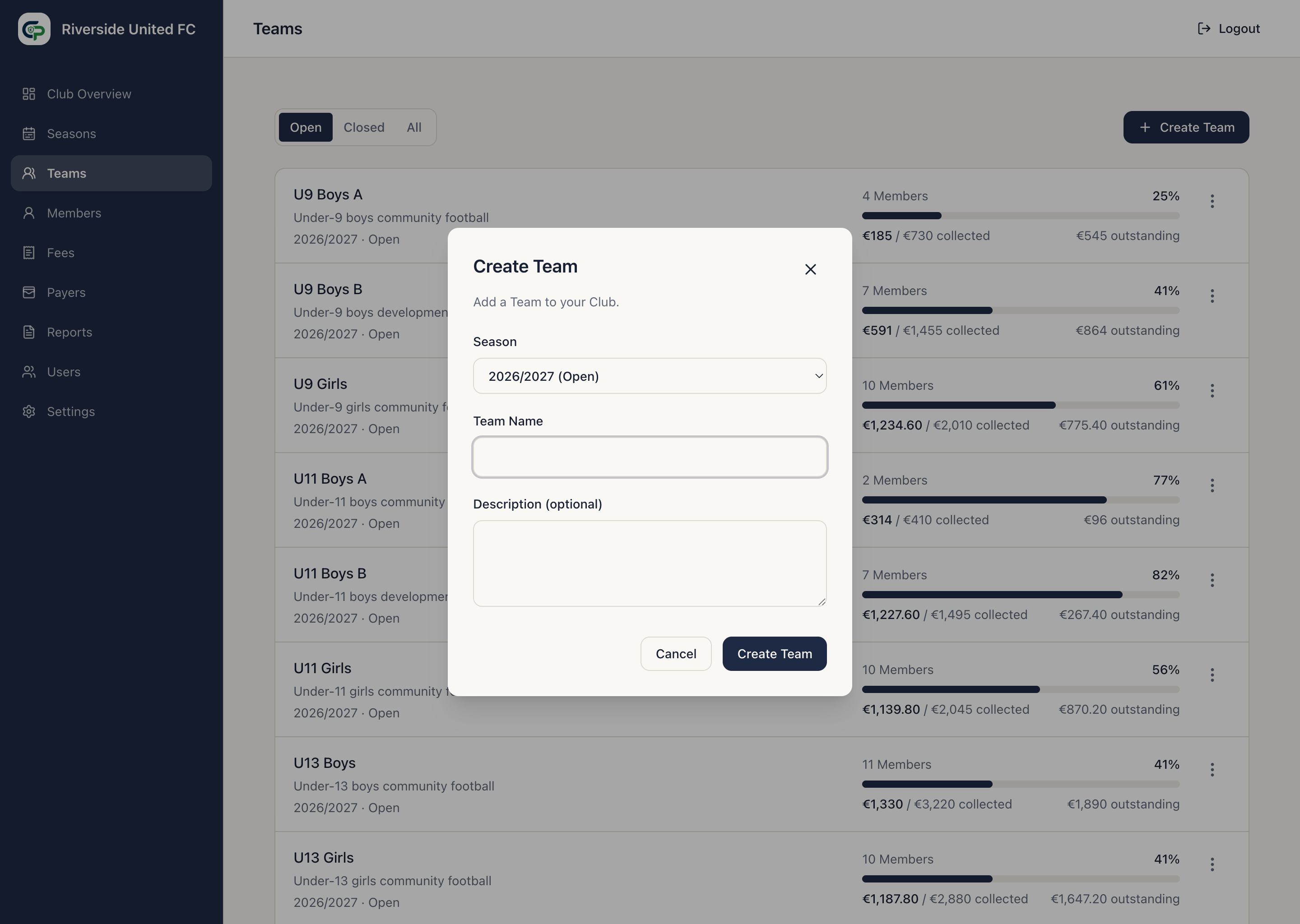
Create a Team
Section titled “Create a Team”- Select Create Team.
- Choose the Season.
- Enter the Team Name.
- Add an optional description.
- Select Create Team.
New Teams are Open. Duplicate names are allowed, so include enough Season or age-group context to avoid confusion.
Use the Team workspace
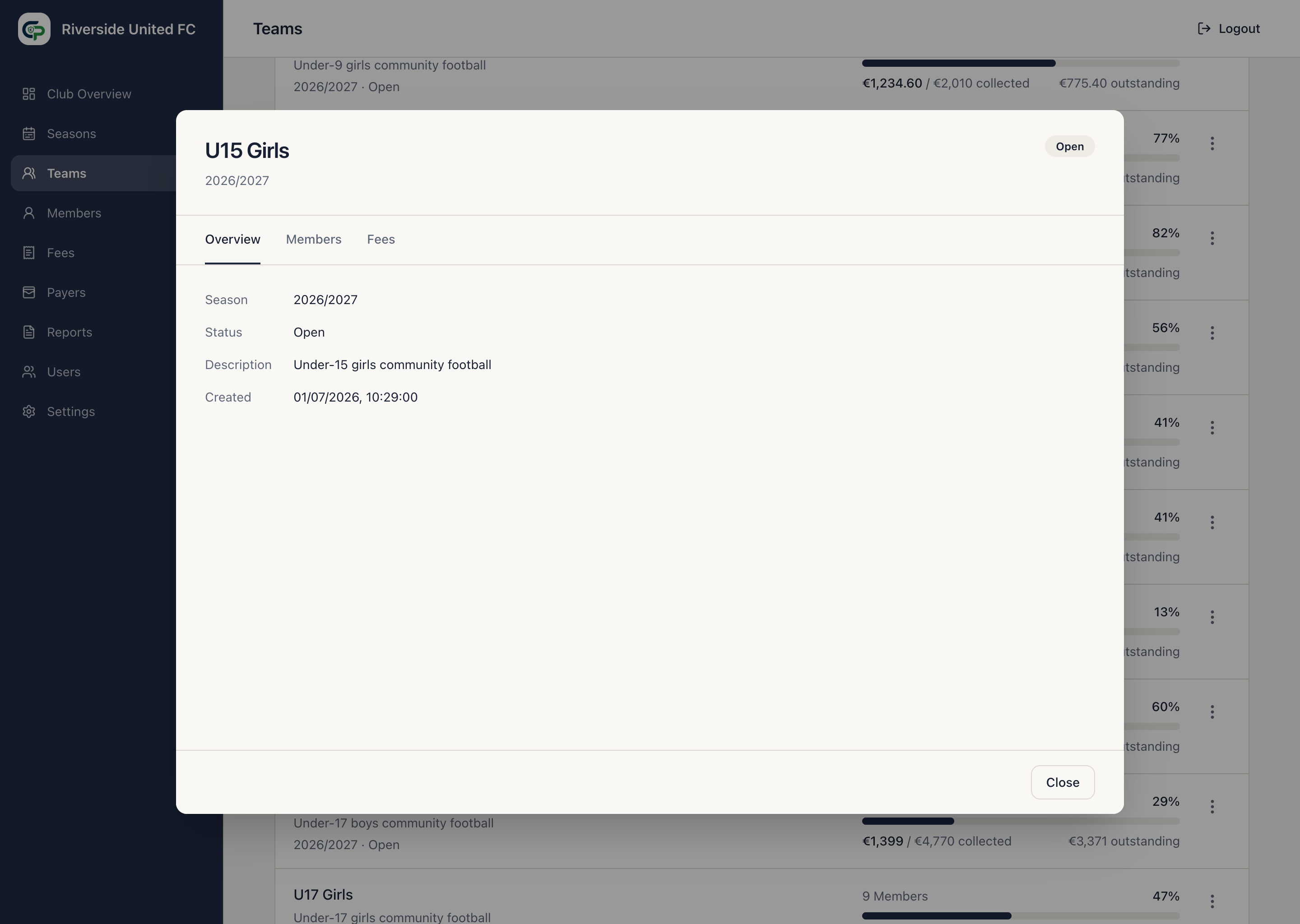
Section titled “Use the Team workspace”Select a Team, then use:
- Overview for its details and status;
- Members to add or remove Team memberships; and
- Fees to assign Fees from the Club catalogue.
Add or remove Members
Section titled “Add or remove Members”- Open the Team and select Members.
- Select Add Member.
- Search or filter the available Members.
- Select one or more Members and confirm the addition.
Members already assigned to another Team in the same Season remain available unless they are already on this Team. An Inactive Member is not offered.
With One Registration Team per Member, the first Team assigned in a Season becomes the Registration Team. Adding the Member to another Team keeps the existing Registration Team and creates no additional Team Fee. The Team workspace shows the Member’s Season payment status without exposing unrelated Payer or family balances.
Removing a secondary Team membership has no financial effect. ClubPayee does not silently replace a Registration Team: change it explicitly before removing it while other same-Season memberships remain. Once the affected Fee has financial or notification activity, automatic Registration Team change is unavailable and explicit financial handling is required. Removing a Member ends their membership; it does not erase historical membership or financial entries.
Assign Team Fees
Section titled “Assign Team Fees”- Open the Team and select Fees.
- Select Assign Fees.
- Choose one or more Fees from the Club catalogue.
- Confirm Assign Fees.
Each assigned Team Fee keeps the name, amount, description, and Fee Rule that applied when assigned. The current application does not directly edit or remove an individual assigned Team Fee.
In One Registration Team per Member mode, only Fees from the Member’s Registration Team become Member Charges. In Charge for Every Team mode, each applicable Team membership generates its Team Fees.
Edit, close, reopen, or delete
Section titled “Edit, close, reopen, or delete”Use the Team’s actions menu:
- Edit changes its name or description.
- Close Team stops normal Member and Fee changes while preserving history.
- Reopen Team restores normal administration when its Season permits it.
- Delete is available only for an unused Team with no membership, Fee, or financial history.
Closing a Season does not automatically close its Teams, but a Team in a Closed Season cannot be used for new configuration.