
Seasons
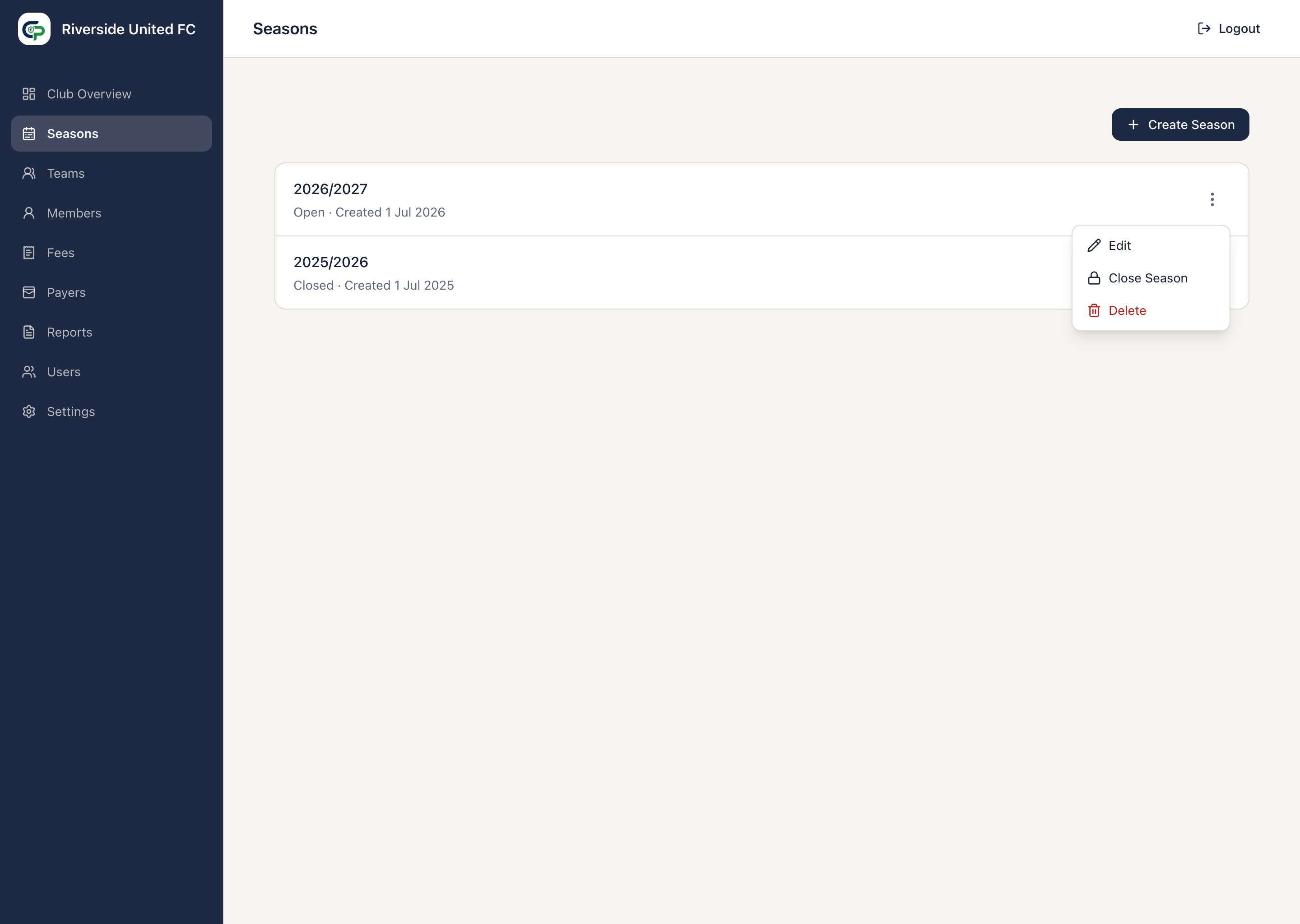
A Season is the period in which a Club organises Teams and financial activity. Its name is chosen by the Club and need not match a calendar year.
Create and view a Season
Section titled “Create and view a Season”- Open Seasons.
- Select Create Season.
- Enter a name such as
2026/27. - Select Create Season.
Select a Season to open Overview or Financial History. Financial History shows its financial total, amount paid, and outstanding amount.
Open and Closed Seasons
Section titled “Open and Closed Seasons”New Seasons are Open. An Open Season can be used for Teams, memberships, Team Fees, and related charges. More than one Season can be Open at once.
Use the actions menu to Close a Season when normal configuration for that period is finished. Closing a Season:
- does not delete Teams or Members;
- does not clear debt or credit;
- does not rewrite financial history;
- does not automatically close its Teams; and
- still allows Payments to settle amounts from that Season.
Use Reopen if normal administration must resume. Reopening does not recreate or alter existing history.
A Season can be deleted only while unused and without dependent Teams or financial history.