
Users
The current Users area manages one role: Administrator. Custom roles and ownership transfer are not currently available.
View and add an Administrator
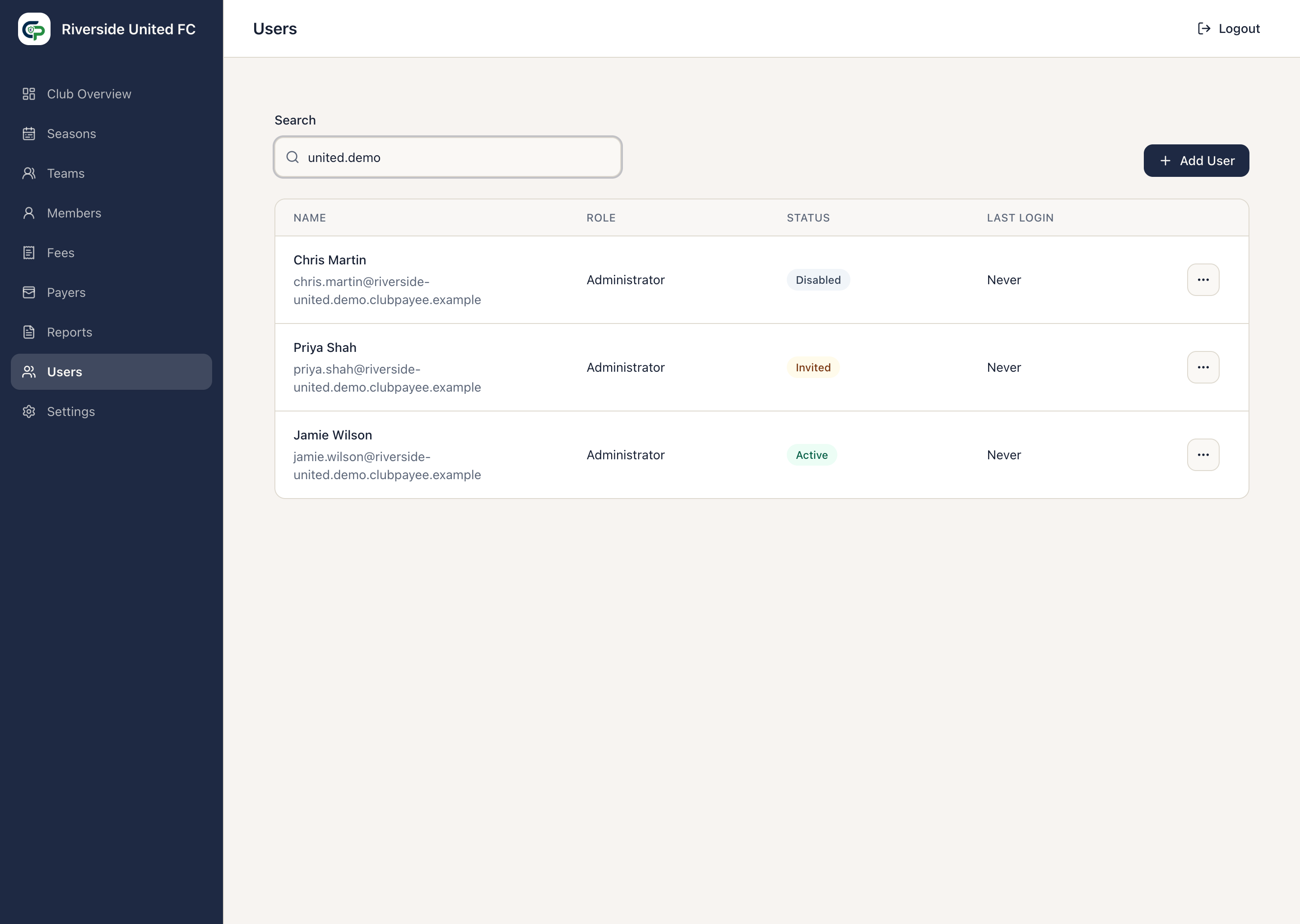
Section titled “View and add an Administrator”Open Users to search and review each person’s Name, Role, Status, and Last Login.
- Select Add User.
- Enter the person’s Name and Email.
- Confirm the role shown as Administrator.
- Select Add User.
The person appears as Invited and receives an access email. They use its verification code to accept access. If they already use ClubPayee as a Payer or for another Club, their existing sign-in details are reused.
Manage an invitation
Section titled “Manage an invitation”For a User who is still Invited, open their actions menu:
- Edit invitation corrects the name or email before activation. After correcting an email, use Resend access email so the person receives a new code; older codes no longer work.
- Resend access email replaces the previous code and sends to the email currently shown. It does not create another User.
- Cancel invitation removes an unused invitation and prevents its existing link or code from being used.
Manage an established Administrator
Section titled “Manage an established Administrator”- Edit User changes the displayed name. An Active User’s sign-in email cannot be changed directly.
- Remove access ends Club administration sessions while preserving historical actions. It does not remove Payer access or access to another Club.
- Restore Access returns a Disabled User to Active.
The Club Owner cannot have access removed. Access also cannot be removed from the final Active Administrator. Add and activate another Administrator first if administration duties need to be handed over.
Established Users are disabled rather than deleted so earlier Club and financial actions remain understandable.